iPhone Font Generator - Copy and Paste
ᴄᴏᴘʏ & ᴘᴀꜱᴛᴇ iPhone fonts
Create stylish fonts that work perfectly on iPhone! Our free generator creates fancy text compatible with iOS — use it for iMessage, Instagram, Notes, and any Apple app!
iPhone Font Generator - Copy and Paste in other languages
Related Font Generators
Browse other font text styles
FAST AND FREE
COPY AND PASTE YOUR TEXT IN 3 EASY STEPS
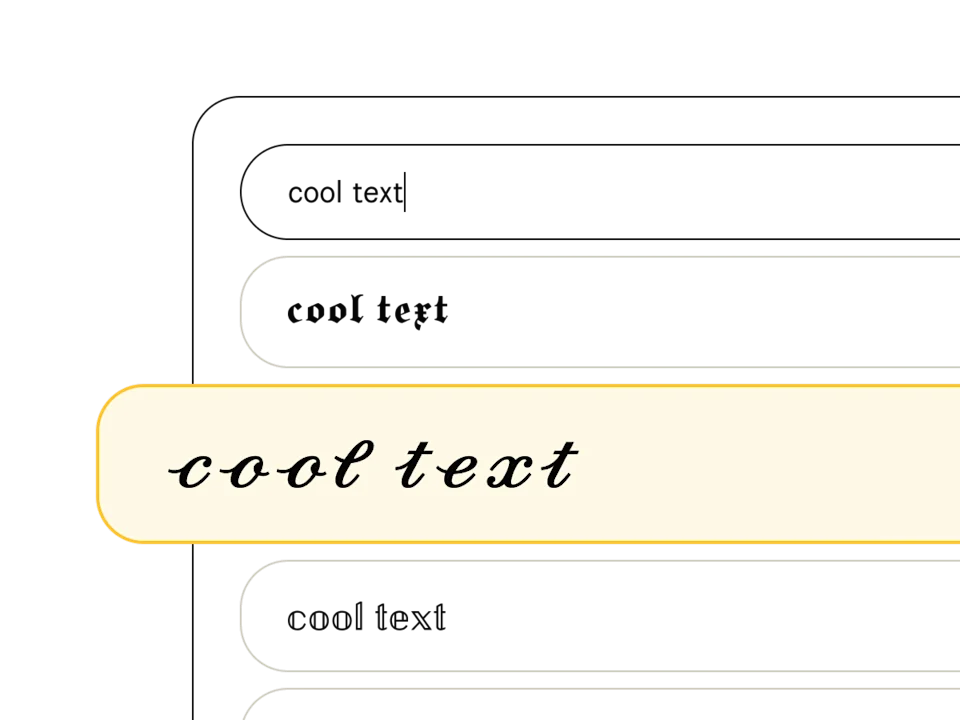
Pick a font style
Type your text in the font generator and peruse our list of 369+ text styles to find the perfect one. Fonts tagged with "Aa" include upper and lowercase, and those with a 🌐 support multiple languages.
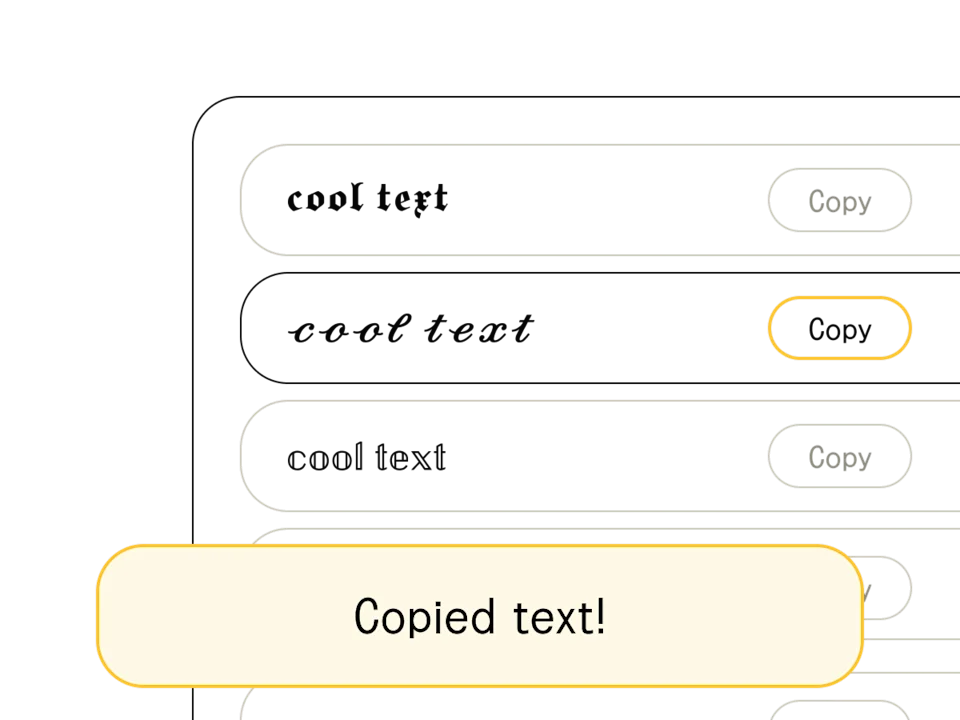
Copy/edit your text
Found your font? When you're happy with the output (and you've finished crafting your headline or message), hit the "copy" button to the right of your chosen text style. You can also select and Ctrl+C the text directly.
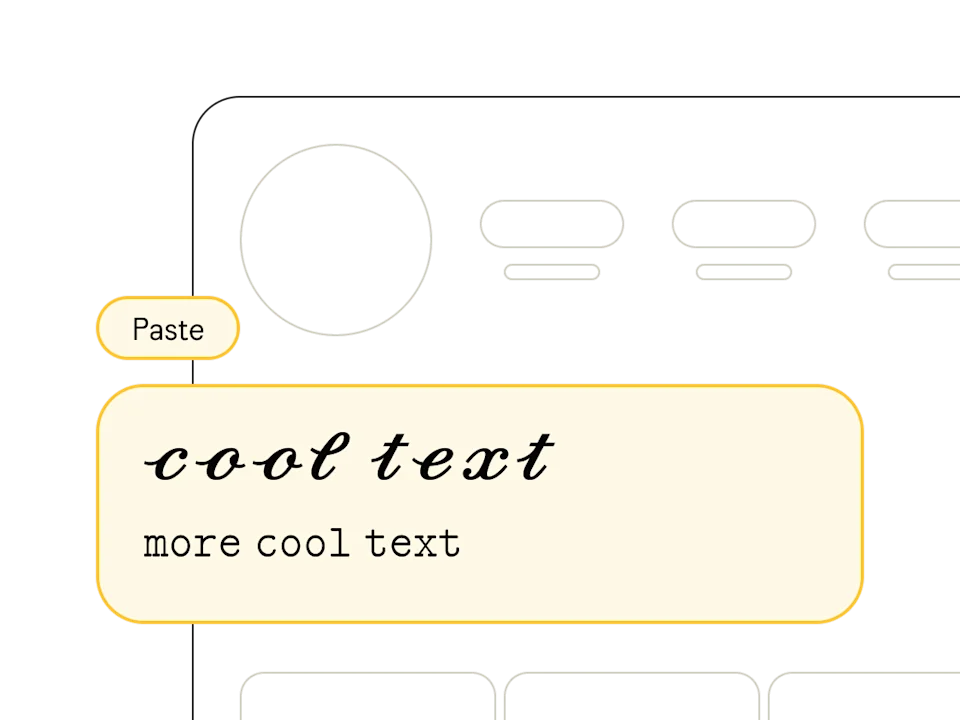
Paste anywhere
Once you've copied your text from our free online font generator, head on over to your social profile, design software, or messaging app and paste away! Pro tip: combine multiple styles to show off your design chops.
What are iPhone Fonts?
iPhone fonts are special Unicode characters that mimic the San Francisco typeface used across iOS devices. This apple font generator creates an iphone font style that works everywhere. Unlike system fonts that only work on Apple devices, these Unicode characters can be copied and pasted onto any device — Android, Windows, or Mac — and look the same everywhere.
How does this iPhone / iOS font generator work?
Our generator converts each letter of your text into a Unicode equivalent with an iOS-style appearance. Type any word or phrase, pick the style you like, and copy the result with one click. The generated characters are real text (not images), so they work in any text field on any platform.
How to Use iPhone Fonts on Instagram
iPhone-style fonts are one of the most popular choices for customizing Instagram profiles. Use them in your bio, display name, captions, and stories.
Steps for your Instagram bio
- Type your text into Typedly's iPhone font generator
- Choose the iOS font style you like best
- Tap 'Copy' to copy the styled text to your clipboard
- Open Instagram and go to 'Edit Profile'
- Paste the text into the name or bio field
- Save your changes — the fonts will look the same for all your followers
iPhone fonts work on both personal and business Instagram accounts. You can also use them in story text overlays and comments to stand out.
How to Use iPhone Fonts on WhatsApp
WhatsApp supports Unicode characters, which means you can use iPhone-style fonts in your chats, status updates, and profile name.
Steps for WhatsApp
- Generate your iPhone-style text on Typedly and copy it
- Open any WhatsApp conversation and paste the text
- For your profile: go to Settings > tap your name > paste the styled text
- For status: create a new text status and paste the generated text
The styled text displays correctly on both Android and iPhone. Your contacts will see the same font style regardless of which device they use.
iPhone Fonts for TikTok and Other Platforms
Beyond Instagram and WhatsApp, iPhone fonts generated with Typedly work across all major social platforms.
Platform Compatibility
- TikTok — usernames, bio, and comments
- Discord — messages, channel names, and server roles
- Telegram — messages and profile name
- Facebook — posts, comments, and profile name
- Twitter/X — tweets, bio, and display name
- YouTube — comments and channel name
- Games — player names in Free Fire, PUBG, Fortnite, and more
Unicode is a universal standard. Any app that accepts text also accepts the characters generated by Typedly — no font installation or additional apps needed.
San Francisco vs Unicode Fonts: What's the Difference?
Apple's San Francisco (SF Pro) is the default system font on all Apple devices since iOS 9. It's designed for screen readability with optical sizing and precise spacing. However, you can't copy and paste San Francisco — it's a system-level font that only renders within Apple's OS.
Unicode fonts from Typedly work differently. They replace letters with special Unicode characters that look stylish on any device. When you send Unicode-styled text from your iPhone, the recipient sees the same styled text whether they're on Android, Windows, or another iPhone. No font installation needed.