Bubble Text Generator - Copy and Paste
🅒🅞🅟🅨 & 🅟🅐🅢🅣🅔 bubble text
Create fun bubble letters with our free generator! Transform your text into circled and rounded characters. Copy and paste bubble text for social media, messages, and creative projects!
Bubble Text Generator - Copy and Paste in other languages
Related Font Generators
Browse other font text styles
FAST AND FREE
COPY AND PASTE YOUR TEXT IN 3 EASY STEPS
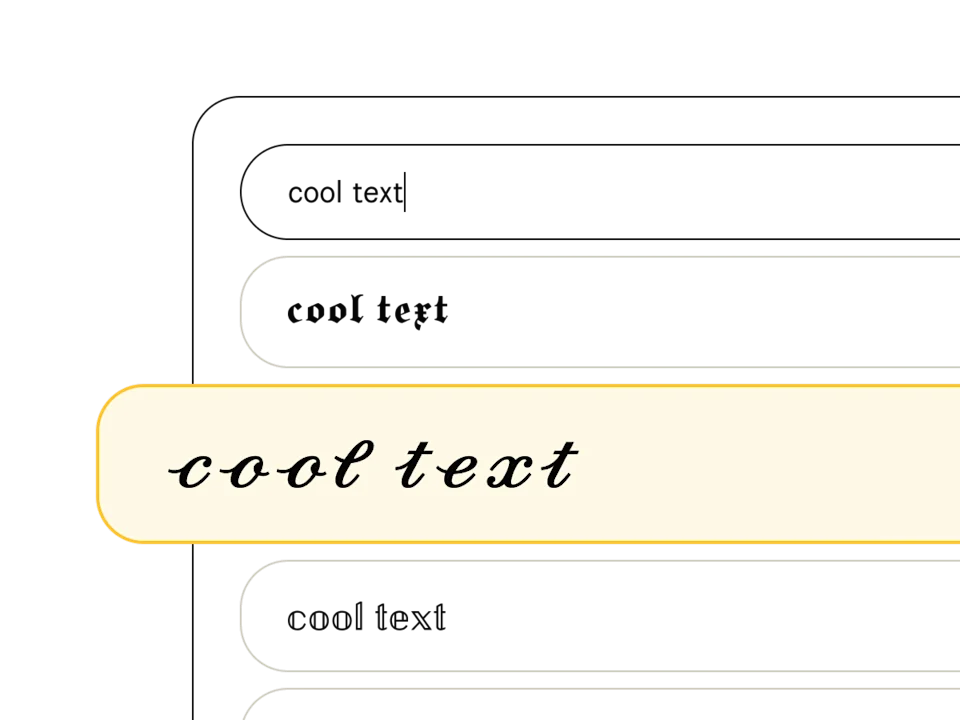
Pick a font style
Type your text in the font generator and peruse our list of 369+ text styles to find the perfect one. Fonts tagged with "Aa" include upper and lowercase, and those with a 🌐 support multiple languages.
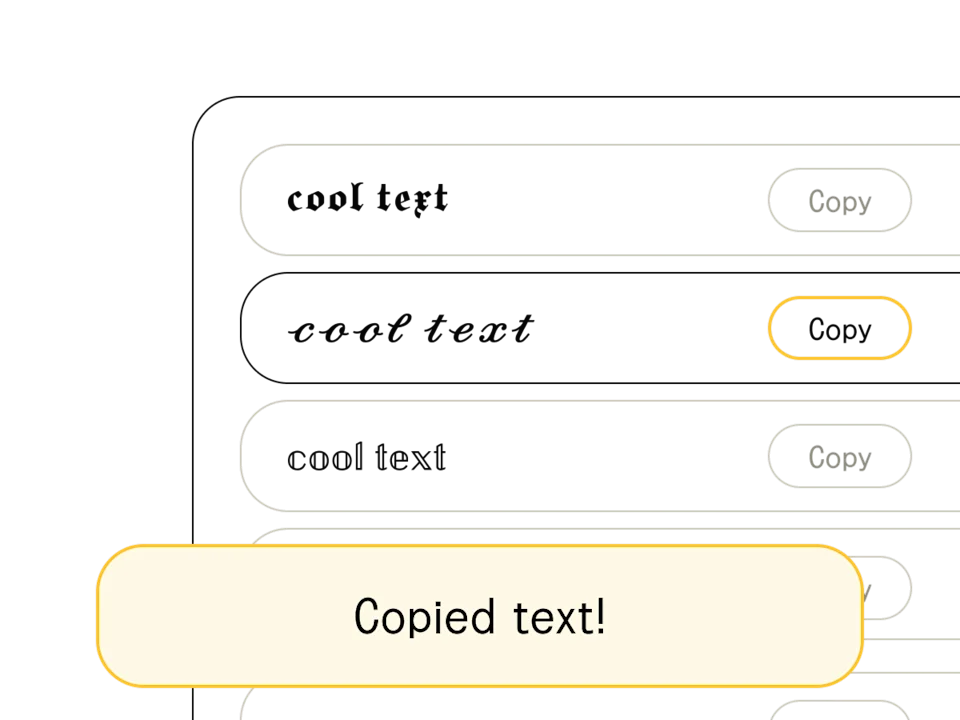
Copy/edit your text
Found your font? When you're happy with the output (and you've finished crafting your headline or message), hit the "copy" button to the right of your chosen text style. You can also select and Ctrl+C the text directly.
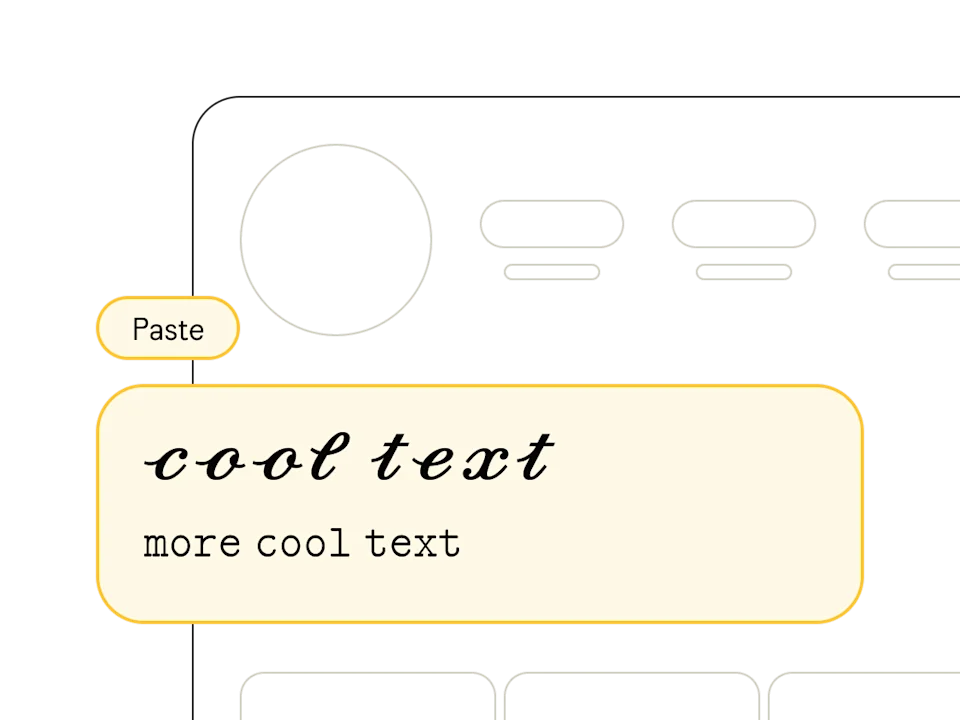
Paste anywhere
Once you've copied your text from our free online font generator, head on over to your social profile, design software, or messaging app and paste away! Pro tip: combine multiple styles to show off your design chops.
What are Bubble Letters?
Bubble letters use Unicode enclosed alphanumeric characters to wrap each letter inside a circle. Also called circle letters or rounded text, they transform plain text into a playful, bubbly aesthetic that stands out on any platform.
Our bubble text generator offers two main styles: outlined circles (Ⓑⓤⓑⓑⓛⓔ) that use thin ring shapes around each letter, and filled circles (🅑🅤🅑🅑🅛🅔) that place white letters on solid dark circles. Both styles work via copy and paste — no fonts to install, no apps to download.
Best Uses for Bubble Text
Bubble letters are surprisingly versatile. Their rounded, friendly look works for both casual fun and creative projects:
- Social media bios — bubble text adds a playful, approachable vibe to Instagram and TikTok profiles
- Gaming usernames — stand out in Free Fire, Roblox, and Discord with a unique bubble-style name
- Custom bullet points — use individual bubble letters as stylish markers in posts and comments
- Messaging apps — add personality to WhatsApp and Messenger conversations with rounded text
- Creative content — invitations, headers, and labels get a fun twist with bubble characters
Tip: Mix bubble letters with regular text to highlight specific words or phrases. For example, use bubble text for a heading and normal text for the description underneath.
Bubble Text Limitations and Tips
While bubble letters look great, there are some things to keep in mind before using them:
- Bubble characters only cover A-Z and 0-9 — punctuation marks, accented letters, and special characters don't have circle equivalents
- Uppercase and lowercase letters map to the same bubble character in most styles
- Some older devices or operating systems may display empty boxes instead of circled characters
- The filled style (negative circled) has better visibility on dark backgrounds, while outlined works better on light backgrounds
For the best results, use bubble text for short phrases, usernames, or headings rather than full paragraphs. Always test by pasting on your target platform to make sure the characters render correctly on both mobile and desktop.