Small Text Generator - Copy and Paste
ᶜᵒᵖʸ & ᵖᵃˢᵗᵉ tiny text
Shrink your text with our free small text generator! Create tiny superscript, small caps, and subscript text. Copy and paste small fonts for social media and messaging!
Small Text Generator - Copy and Paste in other languages
Related Font Generators
Browse other font text styles
FAST AND FREE
COPY AND PASTE YOUR TEXT IN 3 EASY STEPS
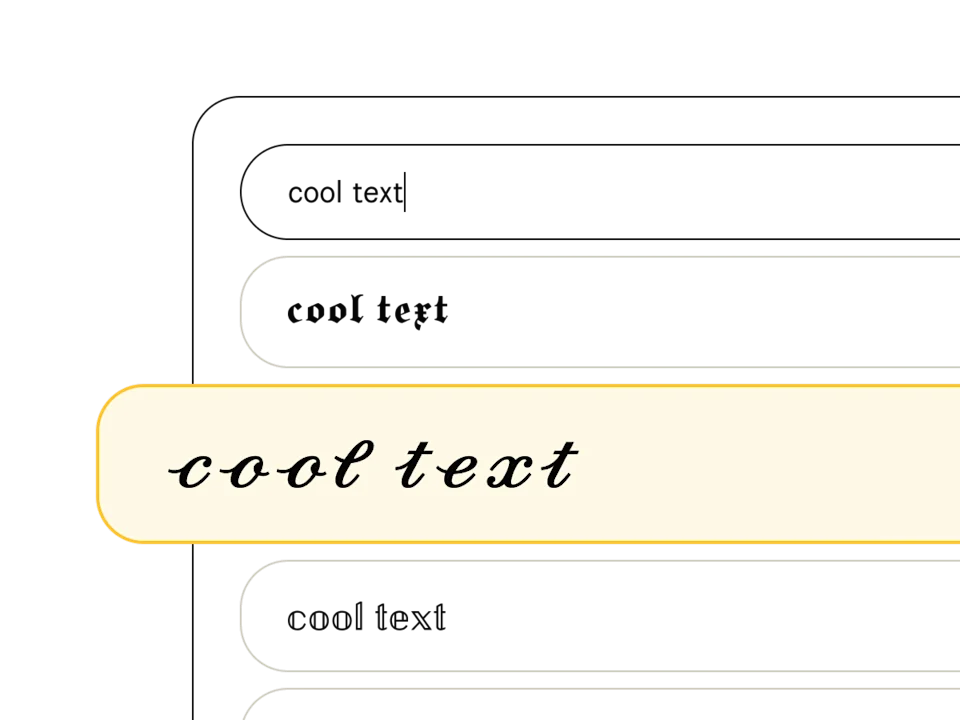
Pick a font style
Type your text in the font generator and peruse our list of 369+ text styles to find the perfect one. Fonts tagged with "Aa" include upper and lowercase, and those with a 🌐 support multiple languages.
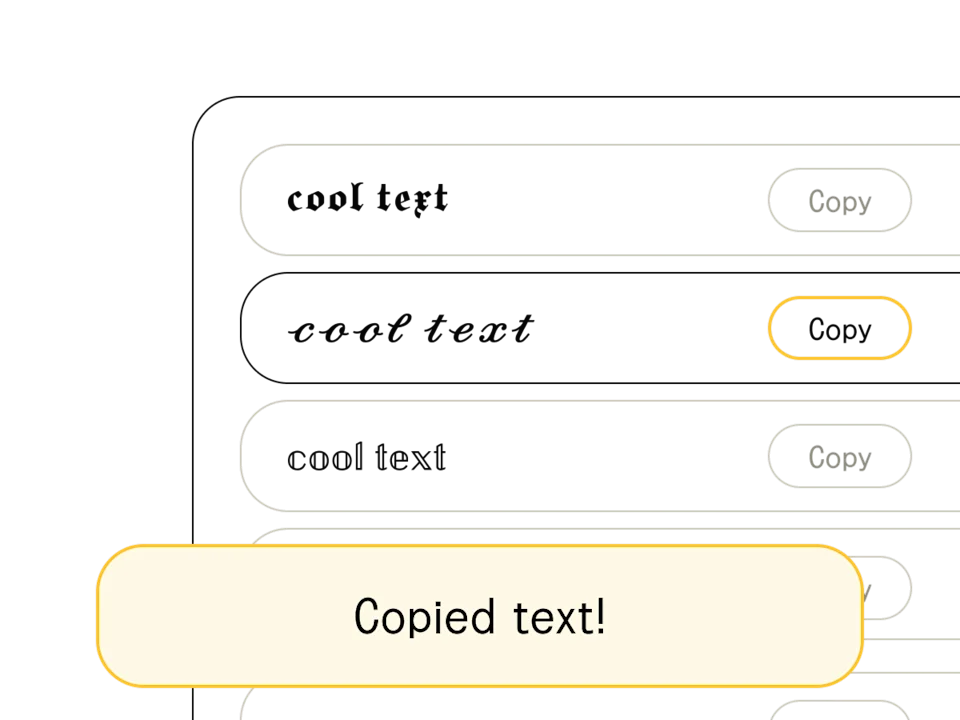
Copy/edit your text
Found your font? When you're happy with the output (and you've finished crafting your headline or message), hit the "copy" button to the right of your chosen text style. You can also select and Ctrl+C the text directly.
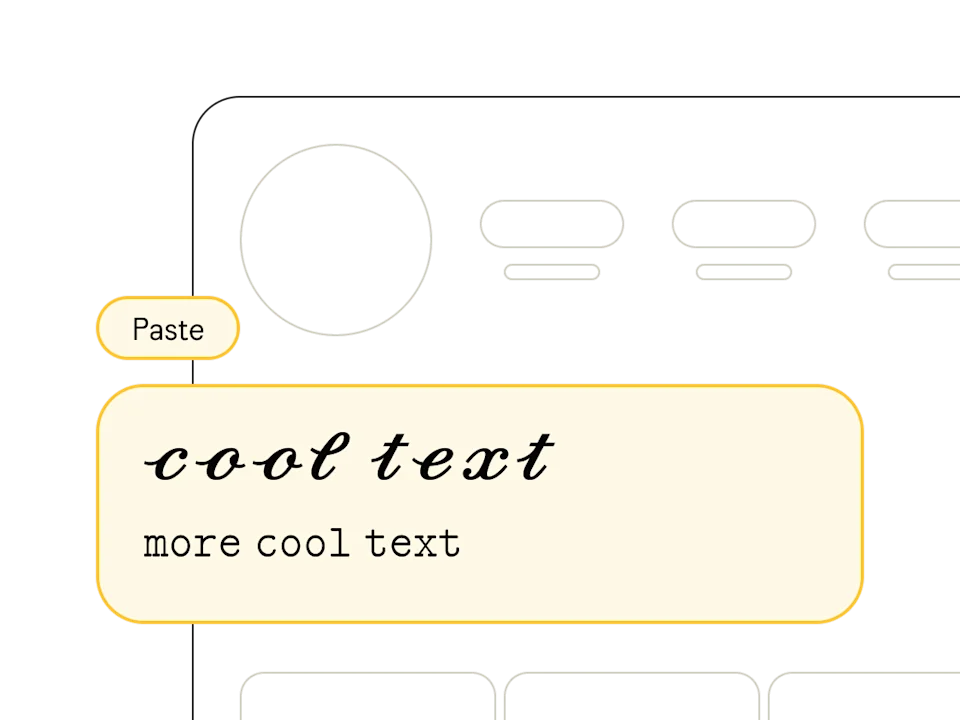
Paste anywhere
Once you've copied your text from our free online font generator, head on over to your social profile, design software, or messaging app and paste away! Pro tip: combine multiple styles to show off your design chops.
What is a Small Text Generator?
A small text generator converts your regular text into miniature Unicode characters that can be copied and pasted anywhere. Also known as a tiny text generator or little font maker, it works by mapping each letter to its Unicode superscript, subscript, or small caps equivalent.
Our generator offers three main small text styles: superscript (ˢᵐᵃˡˡ) which raises characters above the baseline, subscript (ₛₘₐₗₗ) which drops them below, and small caps (sᴍᴀʟʟ) which uses uppercase-shaped letters at a reduced size. Each style creates a different visual effect while keeping your text readable.
Where to Use Small Text
Small text isn't just a visual gimmick — it has practical uses across platforms and contexts:
- Social media bios — tiny text creates a minimalist, aesthetic look on Instagram and TikTok profiles
- Gaming usernames — small fonts make Free Fire, Fortnite, and Discord names look unique and eye-catching
- Footnotes and annotations — add small text notes to posts or comments without breaking the visual flow
- WhatsApp and Telegram — use tiny text in group names, statuses, and messages for a subtle style
- Academic and technical notation — superscript and subscript work naturally for mathematical expressions and chemical formulas
Tip: Combine small text with regular-sized text to create emphasis and contrast. A headline in normal text followed by a subtitle in tiny text creates a polished, layered look.
Small Text Limitations You Should Know
While small text works on most platforms, there are some limitations worth knowing:
- Not every letter has a superscript or subscript Unicode equivalent — some characters get mapped to the closest available match
- Character size can vary between devices — small text may appear slightly different on iPhone vs Android vs desktop
- Screen readers may struggle to interpret miniature Unicode characters correctly, which can affect accessibility
- Accented characters (É, Ñ, Ç) often don't have small-text equivalents, which matters for non-English languages
Before committing to small text for an important use (like a gaming username or professional bio), paste it on your target platform first to make sure it renders the way you expect.